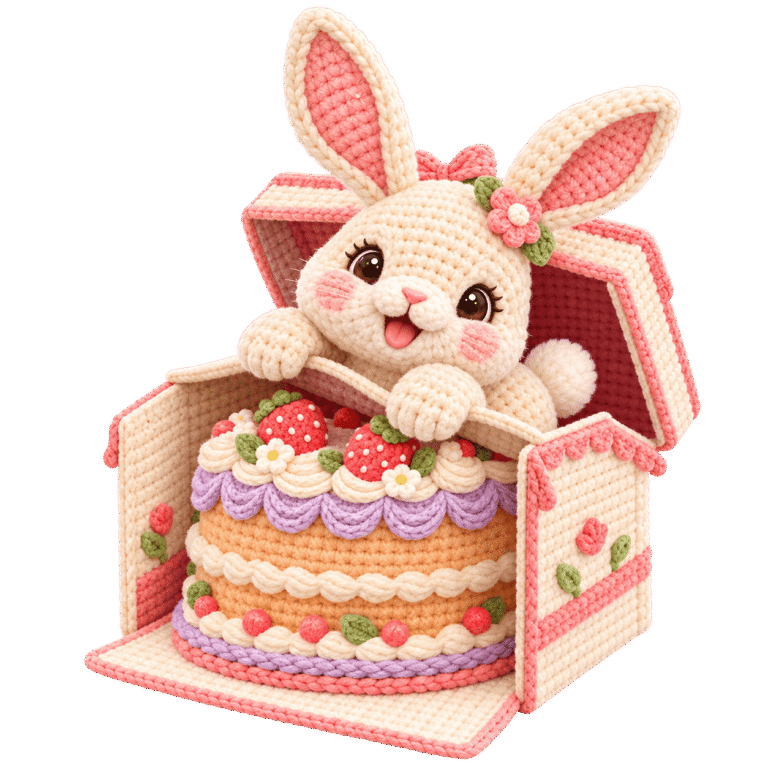
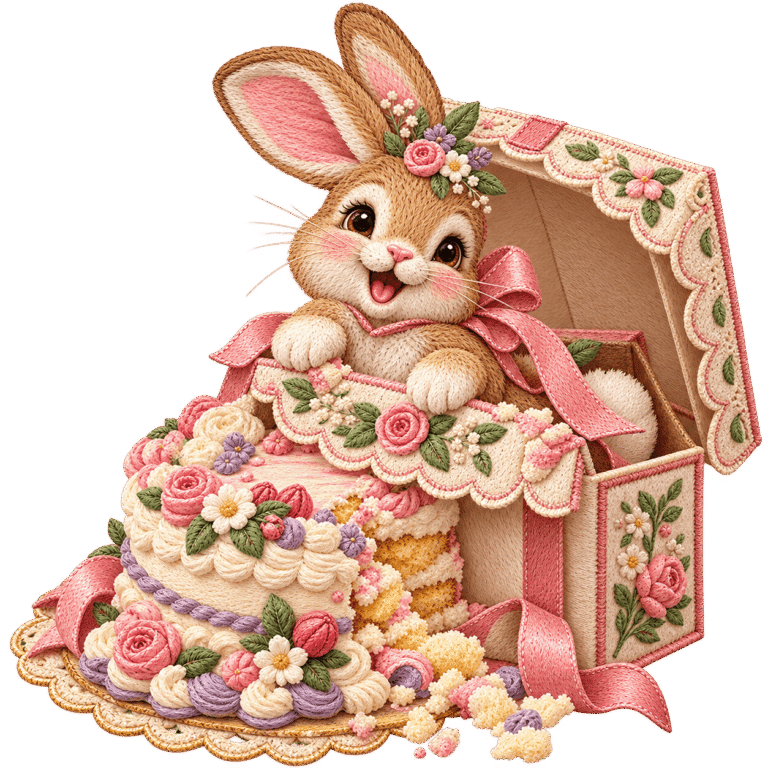
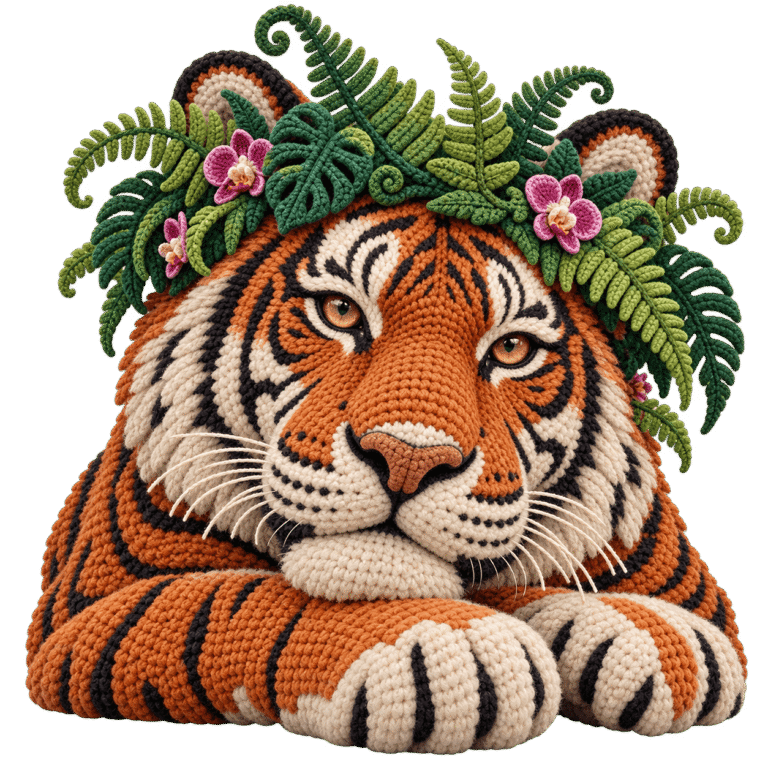
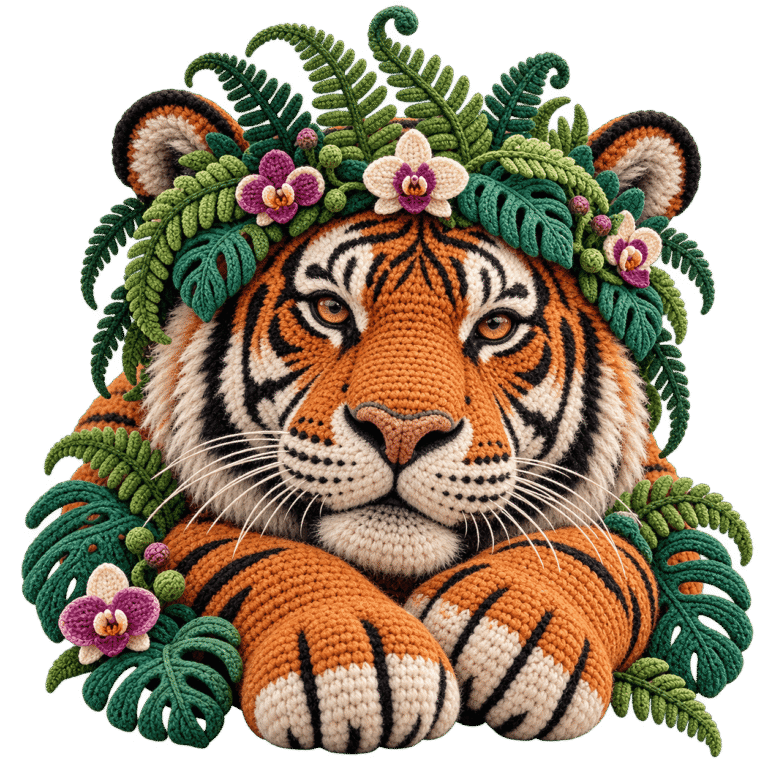
Bring your next idea to life with 680 original prompts, online access to EDV software and the matching Excel library. Choose a design, customize its look and generate the artwork in your own ChatGPT—then use EDV to prepare your images, PDFs or puzzle books.
Start with a ready-to-use prompt, then make it your own.
You have full flexibility to use the prompts for personal and commercial purposes, create digital printables for Etsy or other marketplaces, develop print-ready books for Amazon KDP, and edit, customize, combine, repackage, distribute, or resell the prompts under your own brand.
Choose your design680 prompts. Five graphic styles.
02
Create the artworkUse your prompt in your own ChatGPT.
03
Make it usefulPrepare images, PDFs or puzzle books in EDV.
FIVE GRAPHIC STYLES FOR YOUR NEXT COLLECTION
The handmade look. Five different ways to express it.
Choose the texture that fits your project: realistic thread, cozy yarn, layered fabric, delicate lace or refined isolated clipart. Use the look across printables, gifts, apparel graphics and more.
01 · Thread
Realistic Thread Embroidery
Silky fibers, directional stitches and a richly embroidered look.
02 · Yarn
Faux Crochet & Yarn
Soft loops and cozy, amigurumi-inspired dimension.
03 · Fabric
Faux Appliqué & Patchwork
Layered fabric, decorative seams and tactile detail.
04 · Lace
Faux Lace & Ornamental Stitch
Delicate openwork and heirloom-inspired ornament.
05 · Clipart
Premium Isolated Clipart
Semi-hyperrealistic light and natural surfaces, with an isolated graphic finish.
Build a consistent look across a collection—or explore a new material finish for your next idea.
PICTURE THE PROJECT BEFORE YOU BEGIN
One artwork. A collection of possibilities.
Create artwork with a Starter prompt in ChatGPT, then carry its look onto apparel, gifts, stationery and printable collections. Use your own layouts or a print provider’s templates to prepare each product.
Starter prompt → Artwork in ChatGPT → Your project
ONE IMAGE · THREE PRODUCT IDEAS
Use one design across a T-shirt, mug and tote.
The same image can anchor a matching gift collection. Add it to your design software or a print provider’s product template, then prepare a separate layout for each item.
Apparel · Drinkware · Bags
ILLUSTRATIVE APPLICATION
T-shirt graphics
Prepare apparel graphics for personal projects, gifts or your own product range.
ILLUSTRATIVE APPLICATION
Mug designs
Use the same image to decorate mugs and drinkware.
ILLUSTRATIVE APPLICATION
Tote bag designs
Carry the theme onto bags and everyday accessories.
MORE USES FOR YOUR ARTWORK
Create prints, cards, printable sets and puzzle-book pages.
Use the image in a design or page layout. For puzzle projects, Mosaic Puzzle Studio turns your selected images into activities with matching answers.
ILLUSTRATIVE APPLICATION
Framed art prints
Arrange your artwork as wall art or a family keepsake print.
A LITTLE CELEBRATIONMADE FOR A MOMENT
ILLUSTRATIVE APPLICATION
Greeting cards
Create birthday cards, engagement announcements and celebration stationery.
THE BOOK CLUB COLLECTION
ILLUSTRATIVE APPLICATION
Printable art sets
Combine related images into downloadable art sets, scrapbook pages or paper crafts.
Use Mosaic Puzzle Studio to create puzzle pages, matching answers and a PDF book.
Applications shown are illustrative. Starter supplies prompts and software access; create images in your own ChatGPT, then prepare them for your chosen product or print provider. Physical products are not included.
680 ORIGINAL PROMPTS · 17 STARTER NICHES
Find the subject. Choose the collection you want to build.
From birthday keepsakes and pets to Christmas, books and adventure, Starter gives you 40 original prompts in each of 17 niches, with five graphic styles represented in every niche.
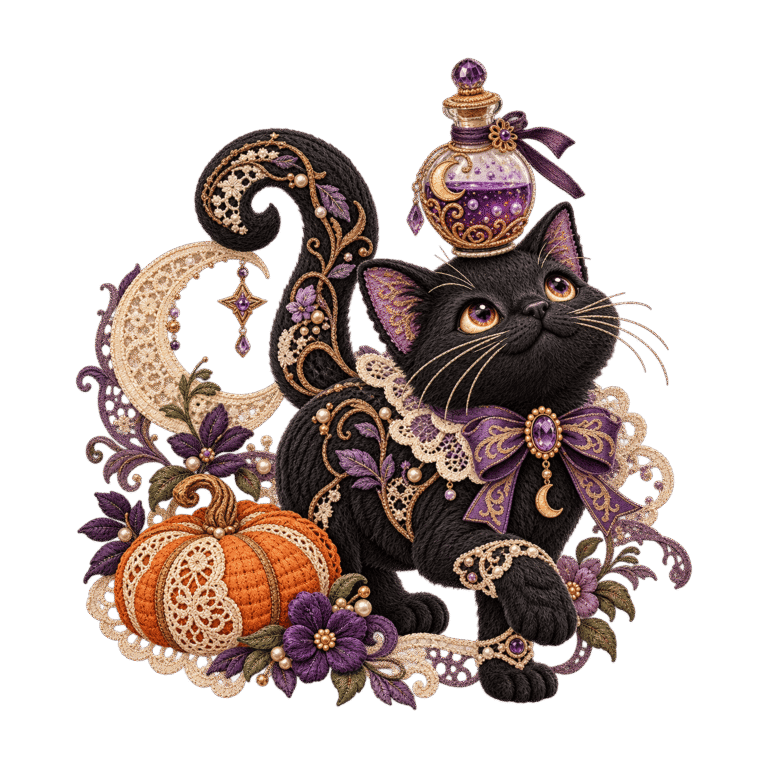
Golden Retriever Family CompanionsDog Adoption Gotcha-Day KeepsakesBaby Elephant Parade NurseryBunny Cake-Smash MilestonesEnglish Rose Garden RomanceGrandma's Garden Family KeepsakesVintage Red Truck ChristmasHalloween Witch's Black CatKindergarten Teacher Classroom GiftsAmerican Football Tailgate TraditionsEngagement Ring Proposal KeepsakesViking Longship Ocean VoyagesBengal Tiger Jungle RoyaltyCowboy Boot Wildflower ArtCozy Mystery Book Club ArtHighland Cow Meadow PicnicChristian Cross Wildflower Devotion
Explore subjects you can build around.Choose a style to see examples of its visual finish.
Appliqué & patchwork
Vintage Christmas Truck
Thread embroidery
Birthday Bunny Celebration
Crochet & yarn
Engagement Ring Keepsake
Crochet & yarn
Bengal Tiger Jungle Royalty
Lace & ornamental stitch
Highland Cow Picnic Keepsake
Appliqué & patchwork
Grandmother’s Handmade Keepsake
Thread embroidery
Cozy Mystery Bookshop
Lace & ornamental stitch
Football Tailgate Traditions
Realistic clipart
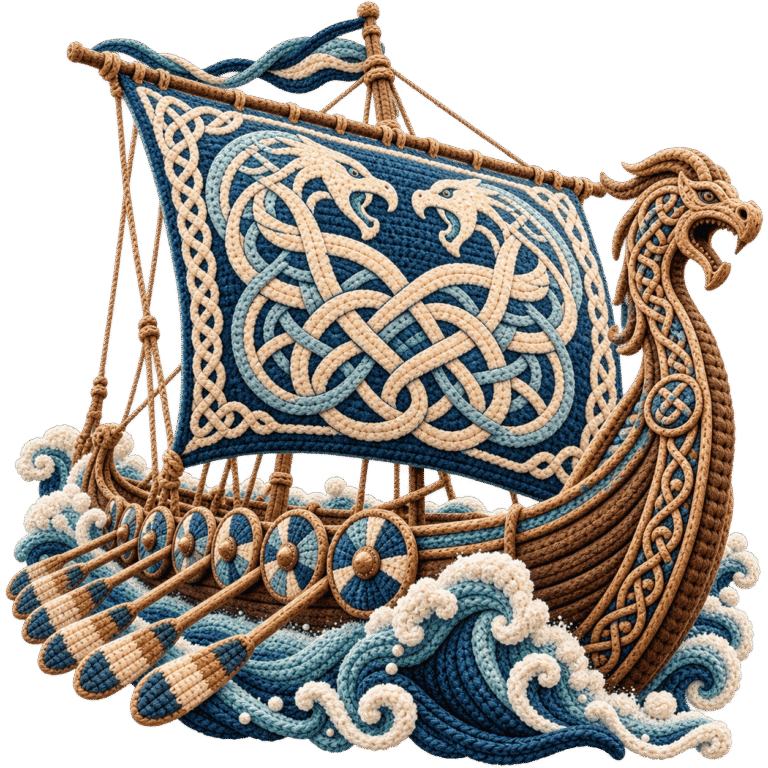
Viking Longship Ocean Voyage
9 artwork examples shown.
Choose your subject in the library, copy its original prompt or customize the finish, then create the artwork in your own ChatGPT.
THE TOOLS INCLUDED WITH STARTER
Shape the prompt. Prepare the image. Choose what you make next.
Start with a library prompt, create the artwork in your own ChatGPT account, then bring your image into EDV. These four tools help you carry it into a usable image, a PDF or a puzzle book.
Software walkthrough
Watch the tools work together.
See Prompt Builder, Image Processor and Image to PDF in the real EDV workspace. The Mosaic Puzzle Studio walkthrough is below.
680 original prompts. Five style directions to explore.
Choose from 680 original Starter prompts. Use Original straight away, or open Customize to explore five graphic styles and supported visual details while keeping the selected subject and scene.
Explore the look: supported styles and materials, from thread and yarn to fabric and lace.
Set the details: palette, canvas size and a transparent or white background request.
Keep your choices: copy, save and reuse your prompt, or open ChatGPT with a copy-and-paste fallback.
680 source prompts × 5 graphic styles = up to 3,400 prompt–style combinations to explore. All included with EDV Starter for $17 as a one-time payment.
This counts source-prompt and style pairings. Combinations can share themes or produce similar results.
Choose a design → Use Original or Customize → Create in your own ChatGPT
ONE SUBJECT · TWO MATERIAL LOOKSCrochet & yarnThread embroidery
Prepare an image for the dimensions your project calls for. Choose a supported output size with exact pixel dimensions, select print density up to 300 DPI, and export in the format you need.
Bring a printable collection, an art portfolio or a set of illustrated pages into one file. Add up to 40 images, arrange their order and inspect the scrolling preview before export.
Add, replace, remove and reorder images.
Keep one image per page and select the DPI for its print size.
Preview the complete document, then download your PDF.
Add images → Arrange pages → Preview & export
EDV’s image, PDF and puzzle tools process your uploads in your browser, without sending them to EDV hosting for processing. Image format support depends on your browser.
ONLINE ACCESS + DOWNLOADABLE ORIGINALS
Find it in EDV. Keep it in Excel.
Search and filter the library, keep Favorites and reuse Saved Prompts inside EDV. Prefer a spreadsheet? Your matching Excel download contains all 680 original Starter prompts, ready to browse, organize and copy.
04 · MOSAIC PUZZLE STUDIO · INCLUDED WITH STARTER
Start with your image. Finish with a puzzle book.
Turn your own photos, drawings or artwork into puzzle books in three styles: Monochrome Mosaic, Color Pixel Art and One Color Dots.Mosaic Puzzle Studio creates matching answers and lets you preview the pages before exporting a PDF book. Use artwork generated from EDV prompts or other images you have the right to use.
01Upload your images
02Choose a puzzle style
03Preview & export
Use images you have the right to use to create your own activity packs and puzzle-book interiors.
Choose the puzzle experience.
The same image can become a black-and-white mosaic, a numbered color puzzle or a dot-based reveal. Here is how one source artwork looks in each style.
Your starting imageOne source. Three different activity formats.
Monochrome Mosaic
Square cells, intersection dots and guide marks, with a matching black-and-white solution.
Color Pixel Art
Numbered cells, a palette drawn from your image, a color key and a matching color solution.
One Color Dots
A picture revealed through circles, with empty areas kept hollow in the matching solution.
Up to 40 puzzles + 40 answersTurn a batch of images into matching puzzle and answer sections.
Choose your PDF exportDownload puzzles, answers or a combined puzzle-and-answer book.
Preview before downloadingChoose US Letter, A4 or 8.5″ square, with adjustable DPI.
Mosaic Puzzle Studio walkthrough
See the included bonus in action.
See how Mosaic Puzzle Studio turns your images into a book: upload images, choose a puzzle style, preview the pages and export matching puzzles and answers.
Your images. Your puzzle books. Starter and the bonus, just $17.
Get Mosaic Puzzle Studio access together with 680 original prompts, Prompt Builder, Image Processor, Image to PDF and the matching Excel library. One purchase. More ways to create.
You have full flexibility to use the prompts for personal and commercial purposes, create digital printables for Etsy or other marketplaces, develop print-ready books for Amazon KDP, and edit, customize, combine, repackage, distribute, or resell the prompts under your own brand.
The library and the tools. Everything included, in one place.
One-time payment for the Starter prompt collection, matching Excel download and the creative tools described on this page.
680
Original design prompts
17 Starter niches, with 40 prompts per niche across five styles.
EXCEL
Online access + original Excel
Browse in EDV or work from your matching downloadable prompt file.
BUILD
Prompt Builder + Saved Prompts
Use originals, explore supported options and save prompts for reuse.
300 DPI
Image Processor
Set exact pixel dimensions and export PNG, JPG or WebP at up to 300 DPI.
PDF
Image to PDF
Arrange up to 40 images, preview the pages and download a PDF.
BONUS
Mosaic Puzzle Studio
Use your own uploads for three puzzle styles, matching answers and PDF books.
Full Usage Flexibility
Personal projects, commercial creations and your own branded prompt collections. Your prompt rights give you room to create, customize and choose how you use the content.
Starter costs $17 as a one-time payment. It includes the Starter library, matching Excel download and online tools described on this page. Your own ChatGPT account and any charges from third-party tools or marketplaces are separate.
What exactly do I receive with Starter?
You receive 680 original prompts across 17 niches and five graphic styles, online EDV software access, and the matching downloadable Excel prompt library. Starter includes Prompt Builder, Saved Prompts, Image Processor, Image to PDF and the Mosaic Puzzle Studio bonus described on this page. Other EDV libraries are separate offers.
Are these finished images or machine embroidery files?
Your purchase includes prompts and software access. The artwork examples show possible visual directions; they are not a pack of 680 finished image files. EDV does not export PES, DST, JEF or other machine embroidery stitch files. Suitable artwork may be used as a reference for a separate digitizing and stitch-testing process.
Do I need to customize a prompt?
No. Original is the default. Copy a complete original prompt directly in EDV or from your Excel file. Use Customize when you want supported changes to style, material, palette, size or background. The main subject and scene stay the same; choose a different library design for a different subject.
Does EDV create the artwork or include ChatGPT?
EDV provides and prepares prompts. You create artwork with your own ChatGPT account that supports image generation. A ChatGPT account, subscription or credits are not included. Open in ChatGPT offers a handoff; copy and paste the prompt when needed.
What does Full Usage Flexibility mean?
You have full flexibility to use the prompts for personal and commercial purposes, create digital printables for Etsy or other marketplaces, develop print-ready books for Amazon KDP, and edit, customize, combine, repackage, distribute, or resell the prompts under your own brand.
These permissions apply to the prompt content. EDV software access belongs to your purchased account; it is not a source-code or software-resale license. Review the terms of the tools and marketplaces you use for your finished work.
Can I work from Excel instead of using the software?
Yes. You receive the original Starter prompt library as an Excel file. Use it to browse, organize and copy your 680 prompts. The online workspace adds search, filters, Favorites, Prompt Builder, saved prompts and the included image, PDF and puzzle tools.
Can Mosaic Puzzle Studio use images I already have?
Yes. Upload your own photos, drawings, illustrations or other images you have the right to use, including artwork created outside EDV. You can choose Monochrome Mosaic, Color Pixel Art or One-Color Dots. Work with up to 40 source images and export puzzles, answers or a combined book of up to 40 puzzles plus 40 matching answers. Preview the pages first. Paper sizes include US Letter, A4 and 8.5 × 8.5 inches.
Does setting 300 DPI add more image detail?
Image Processor lets you resize to exact pixel dimensions and set resolution metadata up to 300 DPI. For example, 3,000 × 4,200 pixels corresponds to 10 × 14 inches at 300 DPI. Increasing DPI or enlarging an image does not create missing detail; review the preview and source quality for your intended print size.
What should I check before printing or publishing?
Review the generated image, edge quality, transparency, pixels, colors and intended print size. A prompt can request a transparent background; inspect the result. Image Processor preserves existing alpha in supported PNG/WebP output; JPG uses white. Higher DPI does not create missing detail. Check PDF margins and your chosen marketplace’s specifications before publishing.
Are my images uploaded for processing?
Image Processor, Image to PDF and Mosaic Puzzle Studio process images in your browser, without sending them to EDV hosting for processing. Supported input formats depend on your browser’s decoding capabilities.
How do access, support and the guarantee work?
Access instructions are provided after successful checkout. Creator support is available for product and access questions. The 30-Day Money-Back Guarantee applies under the refund terms below, including when the product does not work as described or a technical issue cannot be resolved by support.
680 PROMPTS · FIVE STYLES · FOUR CREATIVE TOOLS
Your next collection starts with a better starting point.
Choose your subject, create its artwork in your own ChatGPT, then use EDV to prepare images, PDFs and puzzle books. Get the complete Starter offer for one payment of $17.
THE EMBROIDERY DESIGN VAULT STARTER TOOLKIT
YOUR $17 STARTER TOOLKIT
Ideas to start with. Tools to carry them further.
680 original prompts: 17 niches and five distinctive graphic styles.
Prompt Builder: use an original or customize its supported visual details.
Image Processor: exact pixel dimensions and export at up to 300 DPI.
Image to PDF: organize up to 40 images into one document.
Mosaic Puzzle Studio included: your own uploads, three puzzle styles and matching answers.
Online access + Excel: choose how you work with the Starter library.
Make your next collection happen. Get EDV Starter for $17.
Your original prompt library, online creative tools and Mosaic Puzzle Studio bonus—in one Starter purchase. Choose your first design and take the next step.
You have full flexibility to use the prompts for personal and commercial purposes, create digital printables for Etsy or other marketplaces, develop print-ready books for Amazon KDP, and edit, customize, combine, repackage, distribute, or resell the prompts under your own brand.
After purchase, you will receive digital access to Embroidery Design Vault Starter with 680 original design prompts across 17 niches, the matching downloadable Excel prompt library, Prompt Builder, Saved Prompts, Image Processor and Image to PDF, plus the included Mosaic Puzzle Studio bonus.
01
Digital Access
Access instructions are provided after successful checkout.
02
Creator Support
Need help accessing your purchase? Creator support is available.
03
Refund Terms
Refunds are covered by our 30-Day Money-Back Guarantee and are processed in accordance with the applicable WarriorPlus transaction procedures and payment method used.
If you need help accessing your purchase or have questions about your order, contact creator support. Payment processing, disputes, refunds and any purchase-protection eligibility remain subject to the terms shown by the seller, checkout provider and payment processor.
Direct support from the product creator
Need Help? Creator Support Is Available
If you need help accessing your purchase, understanding the included prompts or getting started, creator support is available for product-related questions.
Instant Digital Access • Product Support • Direct Creator Assistance
PURCHASE & PLATFORM INFORMATION
Marketplace & Results Disclaimer: References to “opportunity,” search activity or marketplace interest describe general market context only. This product is a creative workflow resource and does not guarantee sales, rankings, revenue, income or business results. Individual results depend on factors including product quality, pricing, positioning, competition, listing optimization, market conditions and the seller’s own actions.
30-Day Money-Back Guarantee: We want you to have a smooth, convenient, and satisfying experience with your purchase. If, within 30 days of purchase, the product does not work as described or you experience a technical issue that our support team is unable to resolve, you’re eligible for a refund. If you encounter any issue, simply contact our support team first — we’ll be happy to assist and work with you to resolve it as quickly as possible. Nothing in this policy limits or overrides any rights or protections available under applicable PayPal policies or consumer protection laws.
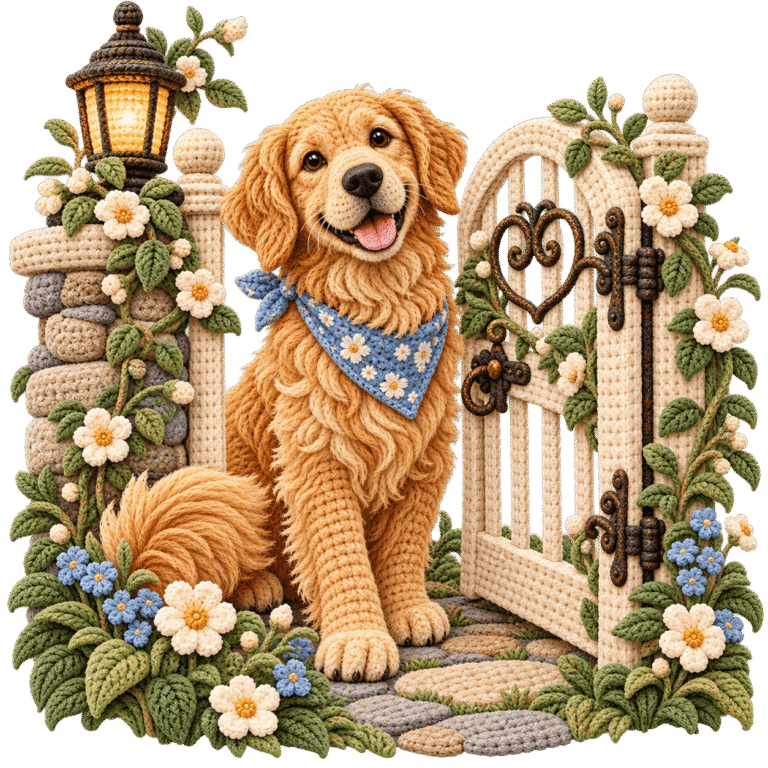
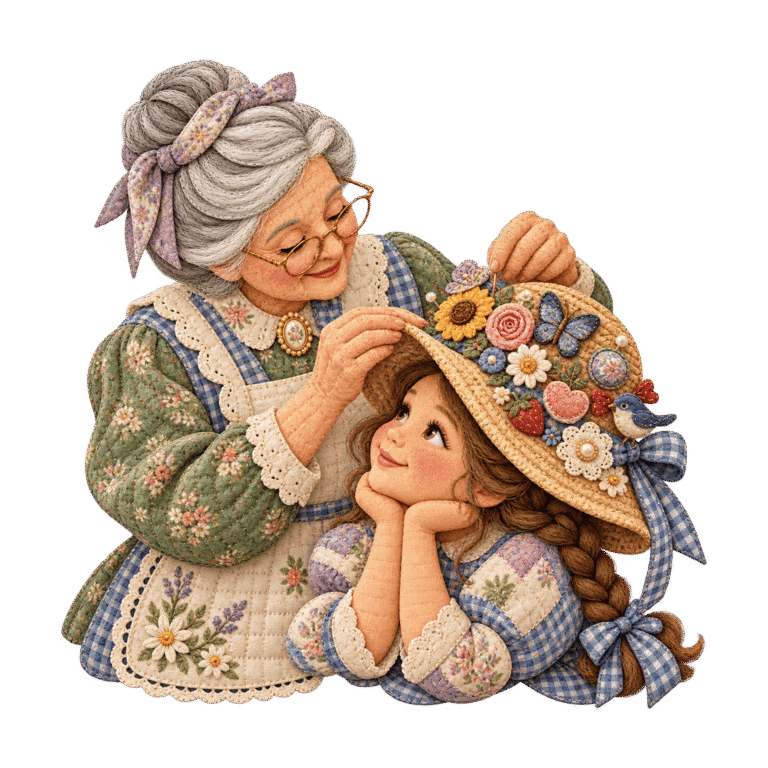
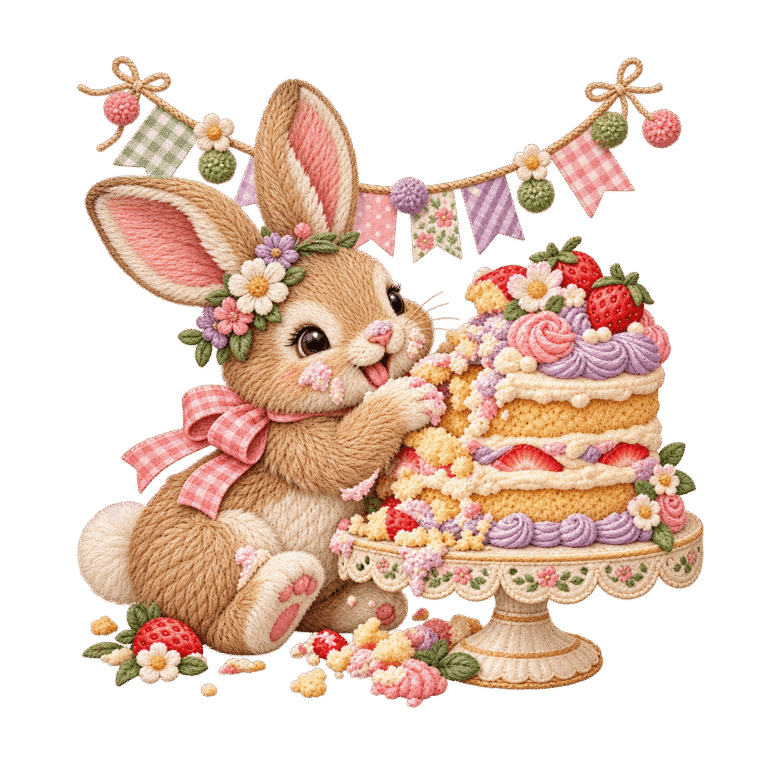
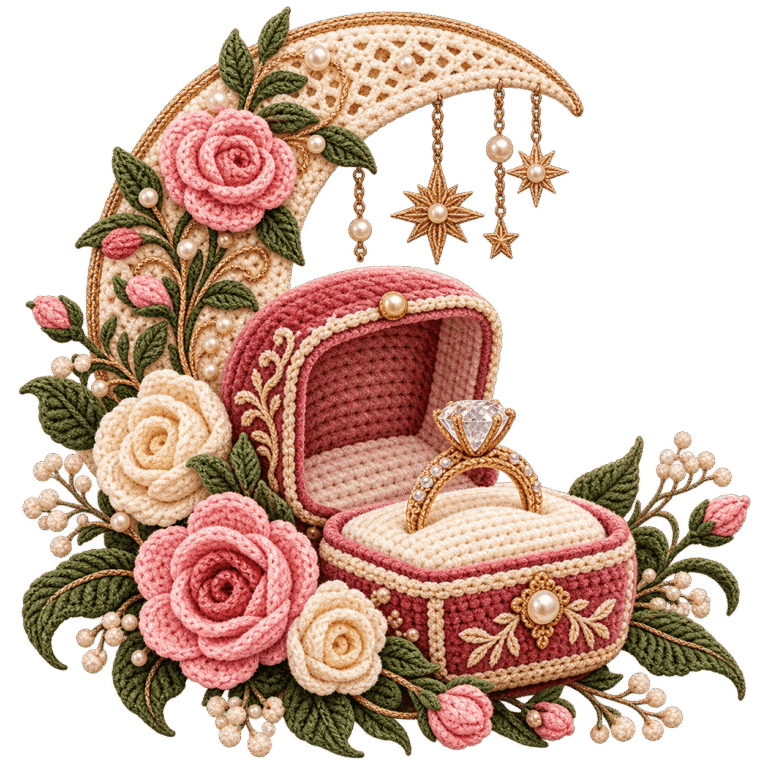
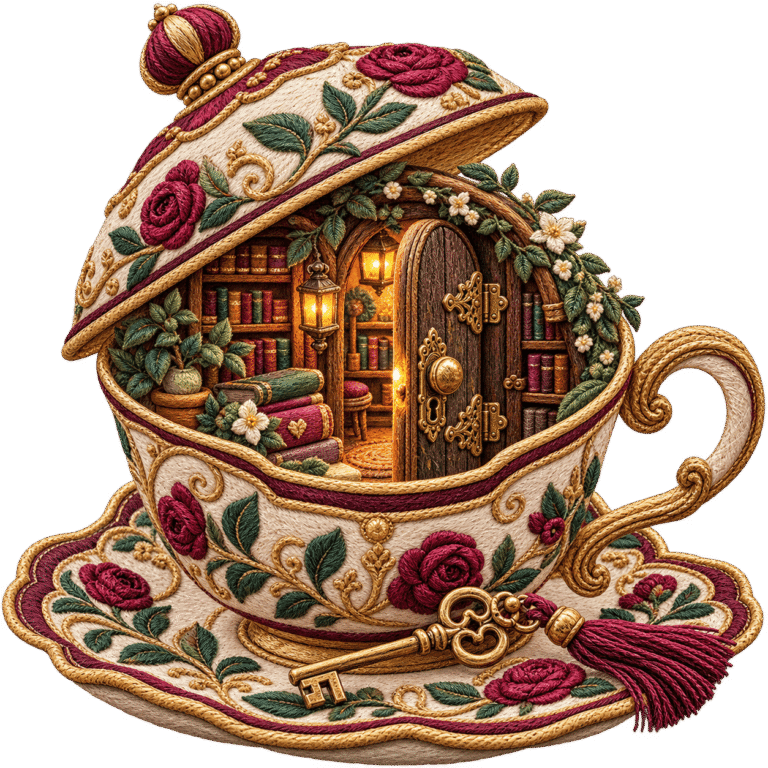
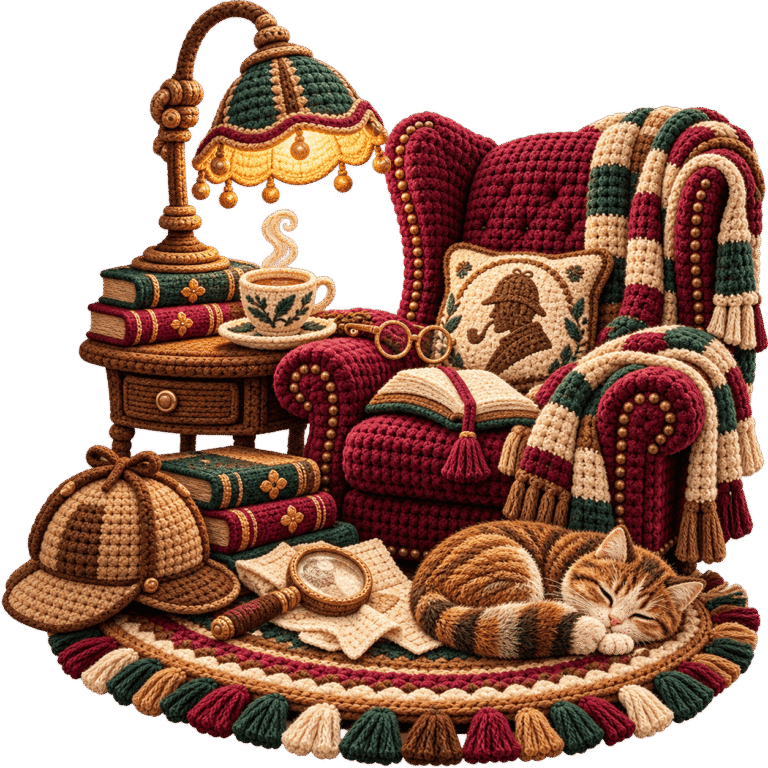
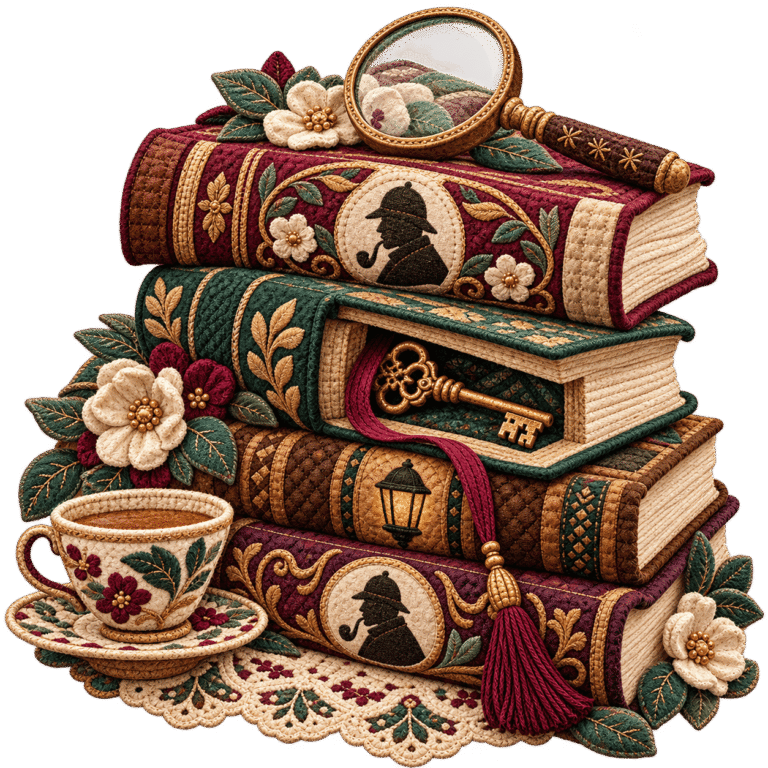
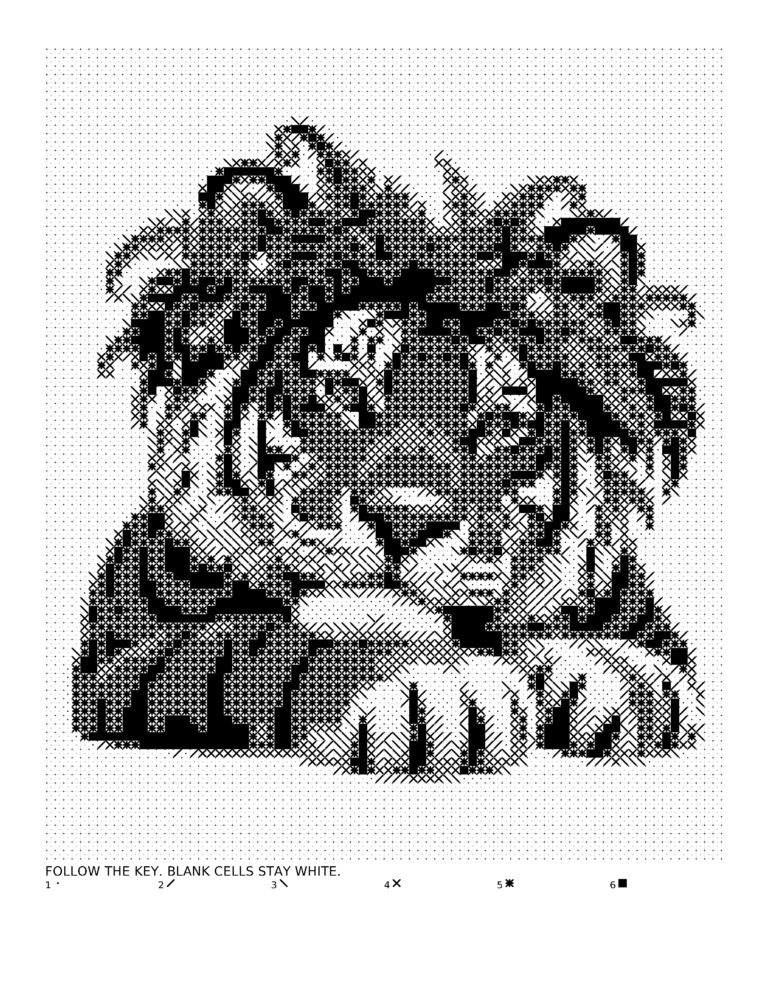 IMAGE-INSPIRED MOSAIC PUZZLES